Dashboard information
Each dashboard can have associated information, including a description, resources, and comments. You can view and edit information for the currently-open dashboard in the Dashboard Info tab of the Knowledge Manager panel.
|
|
|
|
To access this tab, click the |
|
|
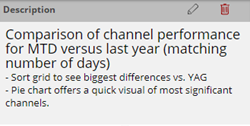
Dashboard description - typically explains the dashboard's purpose, how to use the dashboard, and any other relevant information. To edit the description, click |
|
|
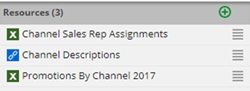
Resources - A dashboard may have resources such as image files, Microsoft Word® documents, and links. To add a resource, click |
|
|
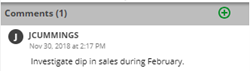
Comments - Users can comment on the dashboard. To add a comment, click
|
|
 button at the top of the

 to enter HTML code.