General information
The General Info panel lets you view and enter general information that can be accessed from anywhere within the dataset (i.e. does not change when you select another dashboard).
|
|
|
|
To open this tab, click the |
|
|
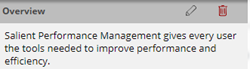
Overview - might contain an overview of the dataset, instructions, or other general information. To edit the overview, click |
|
|
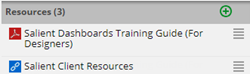
Resources - The dataset may have resources such as documents, images, and links. To add a resource, click |
|
 button at the top of the
 . You can format the overview and add hyperlinks using the toolbar or by clicking
  to enter HTML code.
 .
.